Start with one clear briefing.
The app opens at the newest edition. Jump to the day’s topics, the calendar or the subject archive without sorting through unrelated releases.
Open the dashboard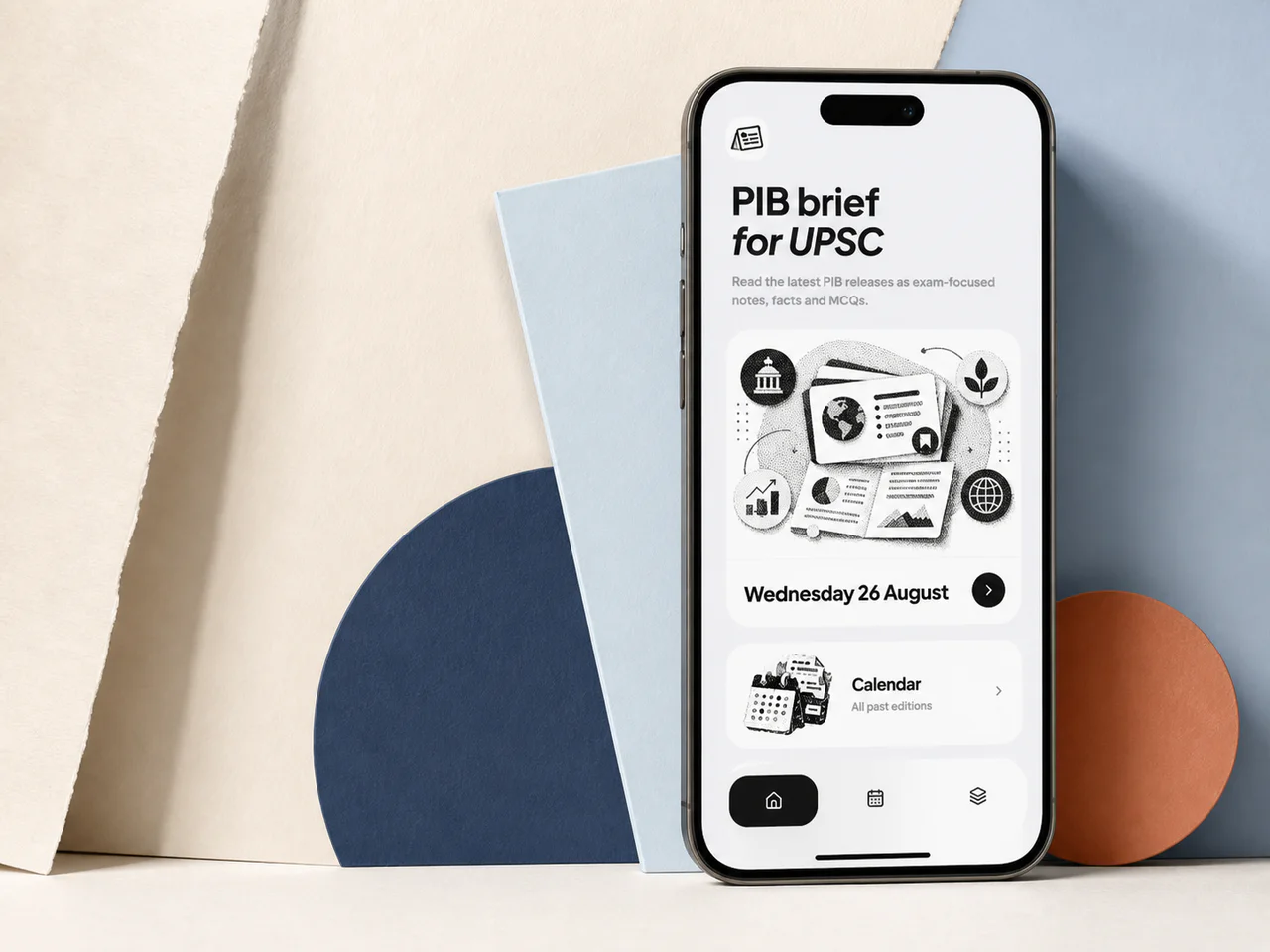
One focused daily edition with the context, Prelims facts, MCQs and Mains structure worth keeping from official releases.
02 September 2026
Move from the latest briefing to focused study cards, then return by subject when you revise later.
The app opens at the newest edition. Jump to the day’s topics, the calendar or the subject archive without sorting through unrelated releases.
Open the dashboard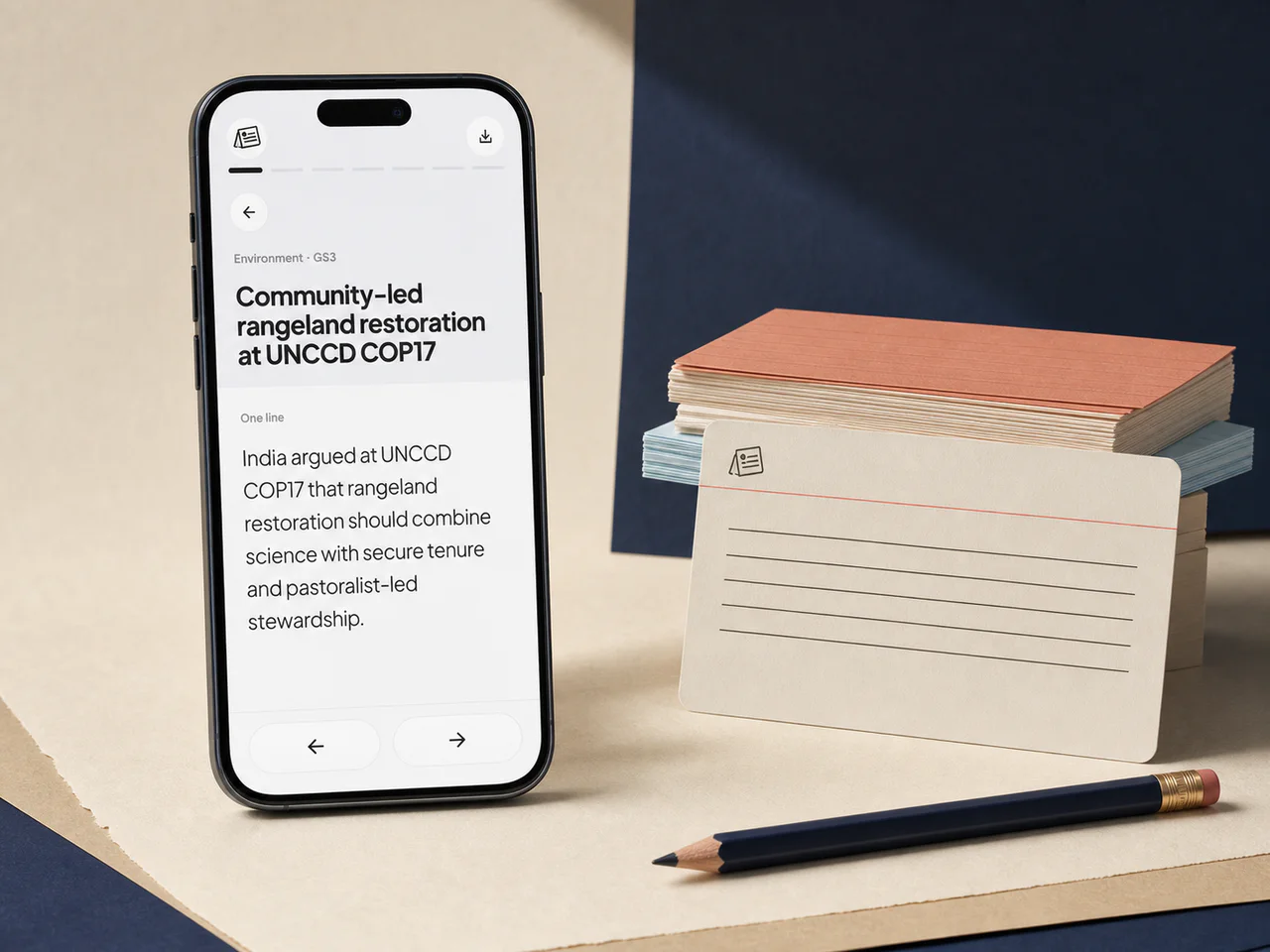
Swipe through the one-line takeaway, context, PYQ pattern, core notes, Prelims facts, MCQs, Mains approach and sources.
Browse today’s topicsFilter the archive by GS paper, then open Economy, Environment, International Relations and other subjects as the collection grows.
Browse subjects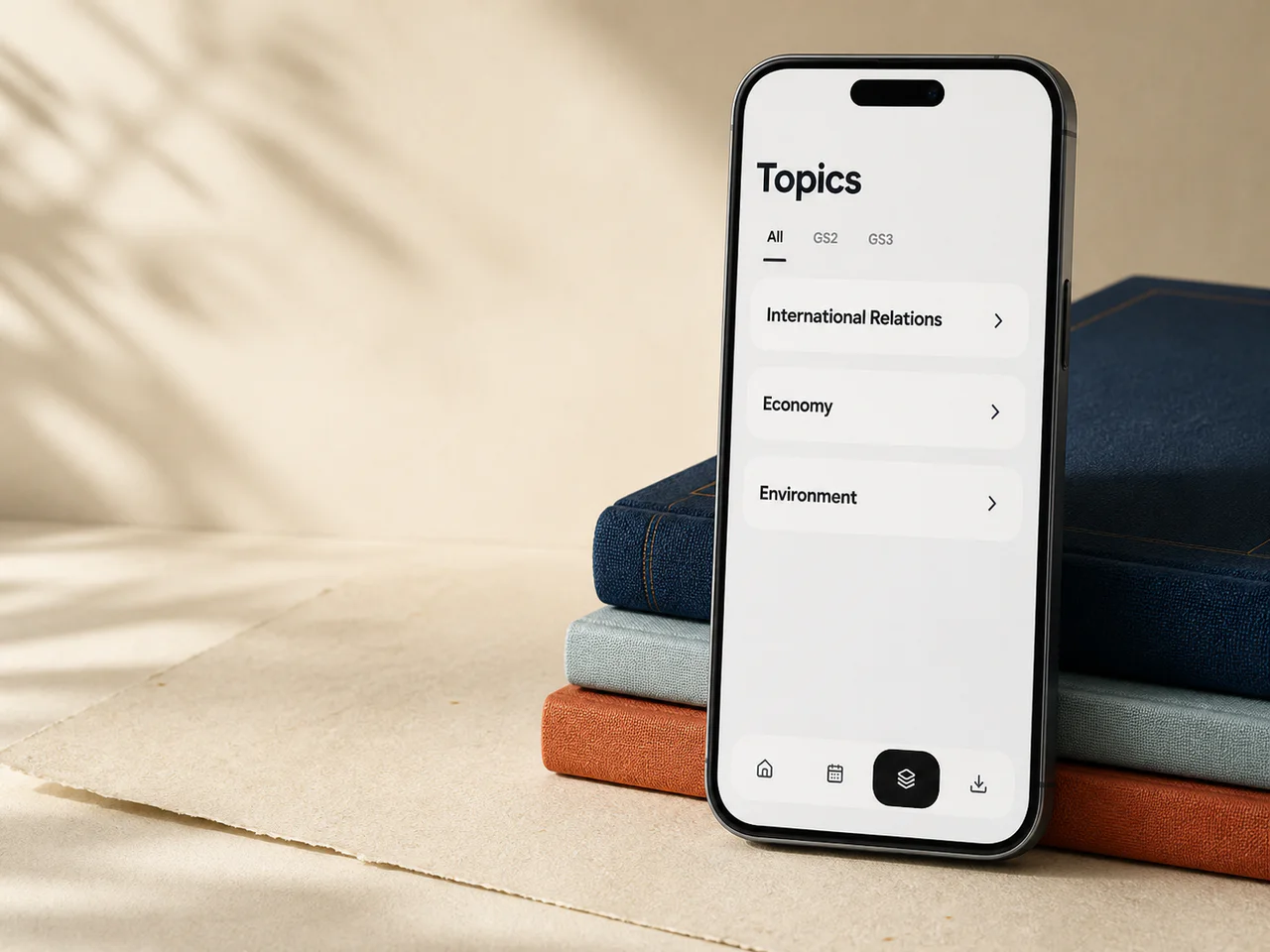
Each topic connects the current event to the static syllabus and the way UPSC frames questions.
Each edition filters the day’s releases for direct UPSC syllabus value.
Start with one line, then move through context, core notes and the Prelims lens.
Test the traps that matter and review the reason behind each answer.
Use a question, demand analysis and a practical structure for a 150-word answer.
Return to topics through Economy, Environment, International Relations and more.
Open any published briefing by date without searching through a feed.
The installed app opens straight to the study dashboard. Pages you have opened remain available when your connection drops.

Open the study dashboard from your home screen and keep visited notes available offline.